Before and after in seconds
Choose two photos and Beauty Blend builds the comparison for you, ready to adjust.
Beauty Blend turns two photos into a polished before and after image your clients will want to share.
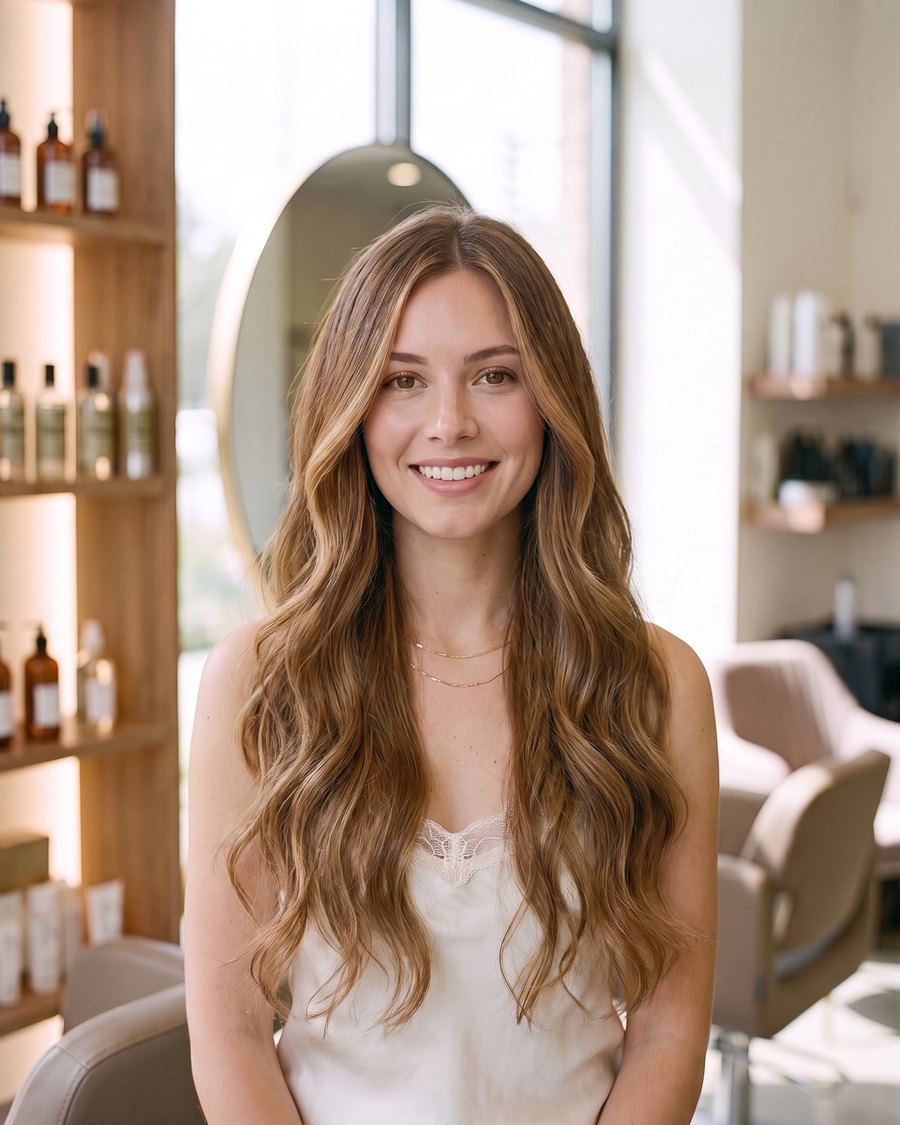
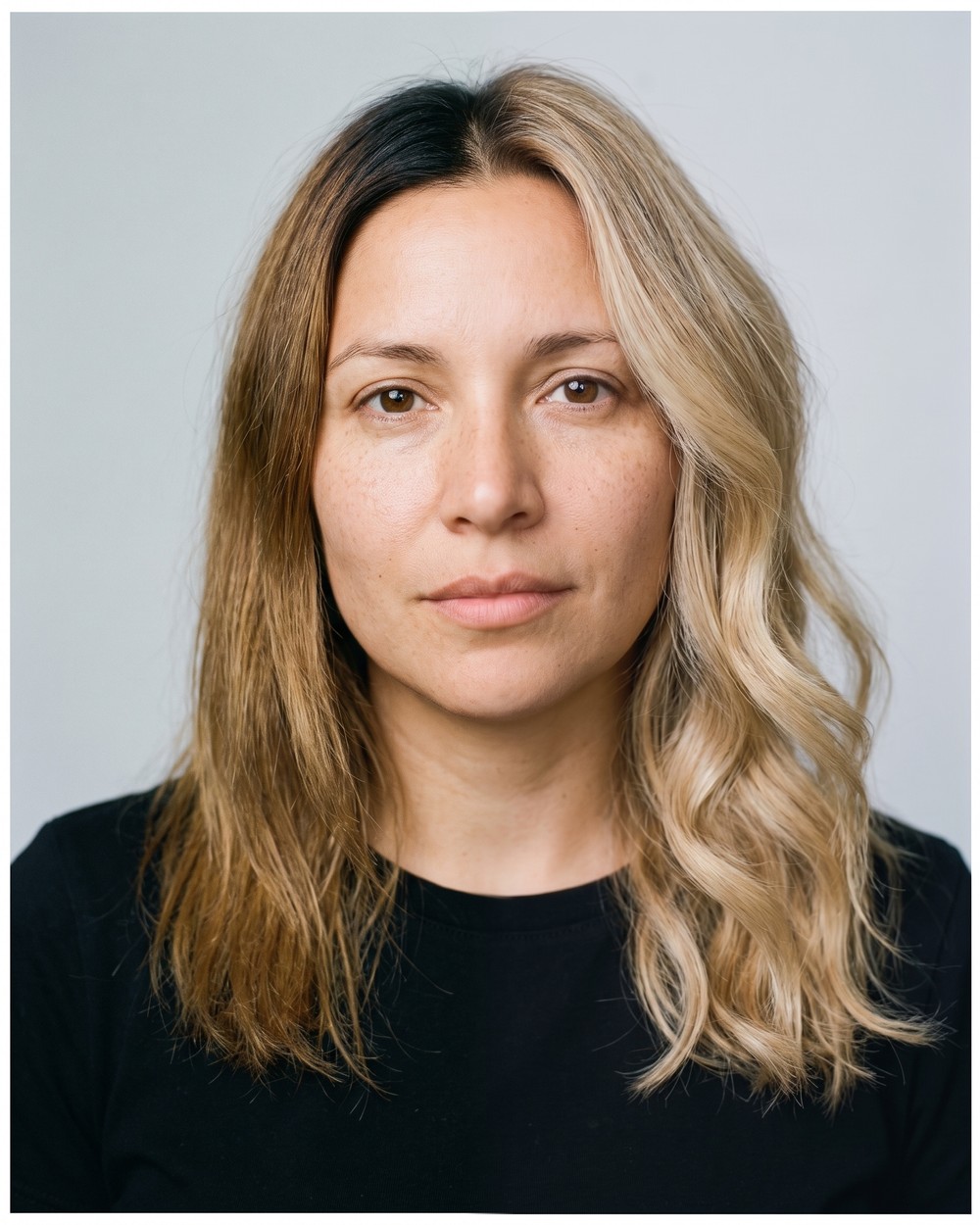
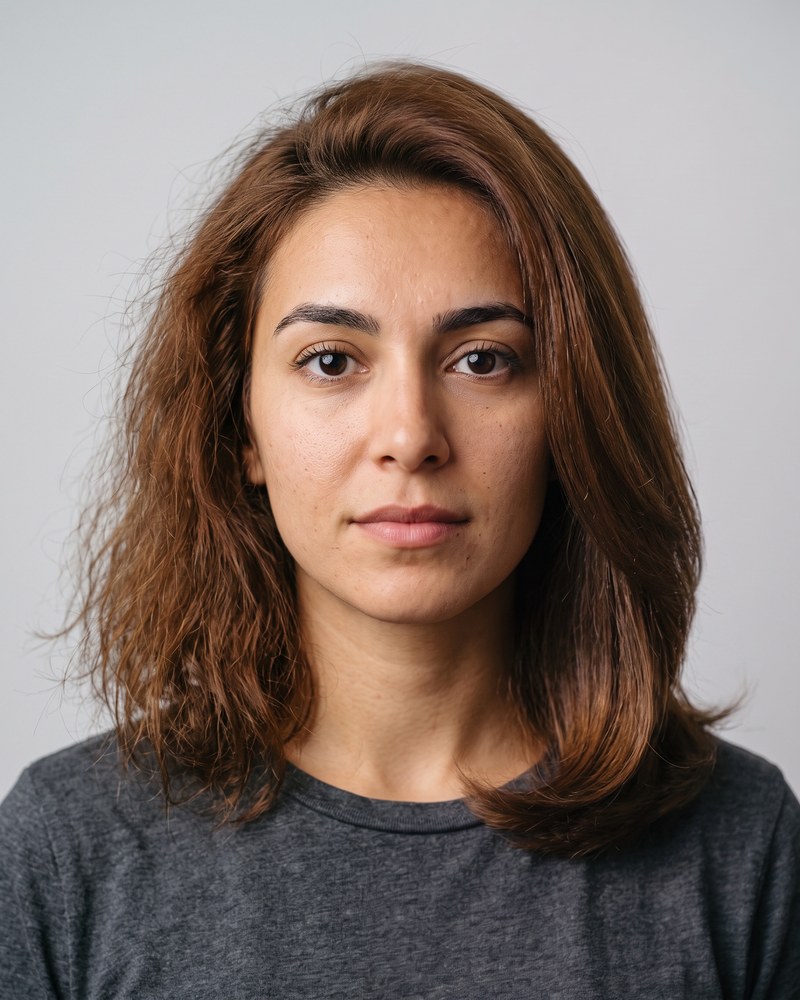
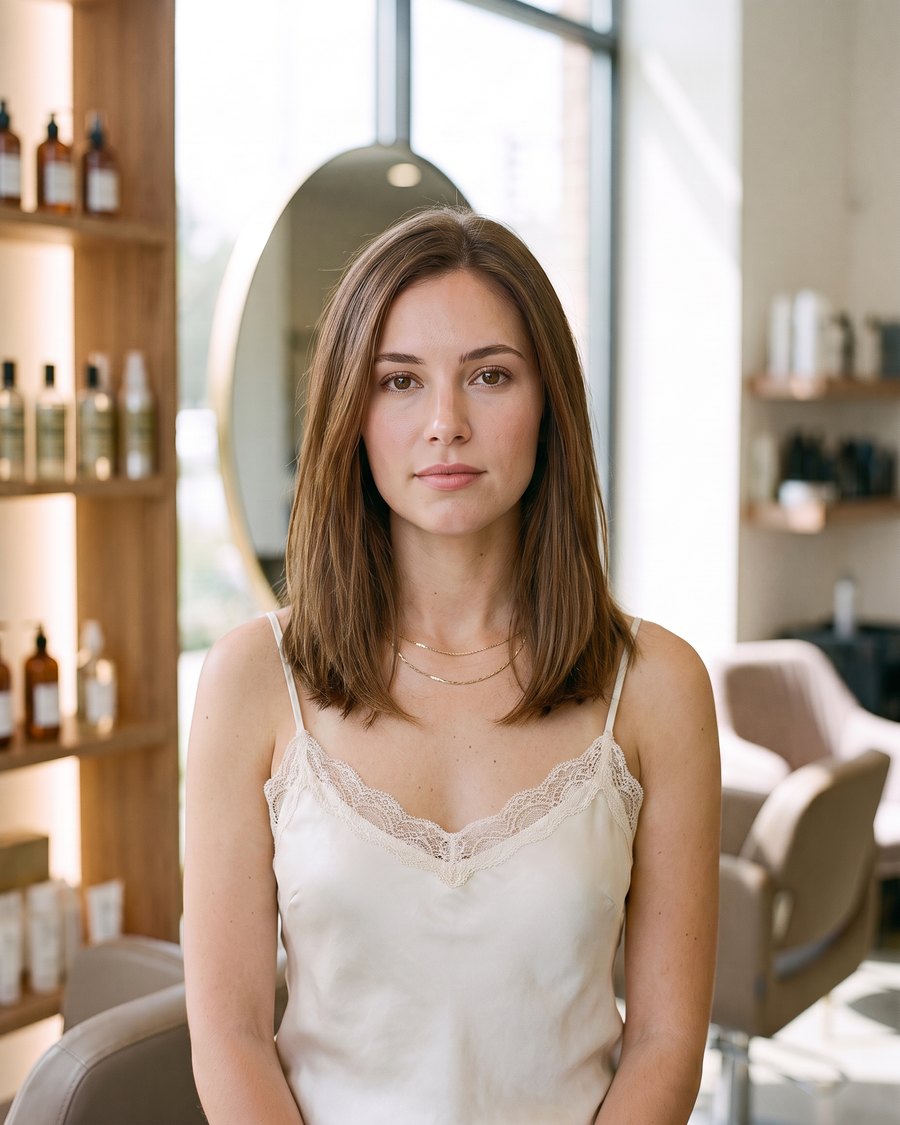 Before
After
Before
After
No timeline, no layers, no learning curve. Pick two photos, set the split, and export.
Choose two photos and Beauty Blend builds the comparison for you, ready to adjust.
Split the frame down the middle or across it, whichever suits the transformation better.
Adjust the edge where the two photos meet, from a crisp line to a soft, gradual blur.
An alignment overlay shows your before shot while you frame the after, so the two line up.
Search and sort your projects, and file them into Clients, Portfolio or Instagram collections.
Exports are sized for the Instagram feed with no cropping surprises: 1080 by 1350 free, or 2160 by 2700 on Pro.
Free exports carry a small Beauty Blend mark. Pro removes it, so what you post is only your work.
Every one of these is a single export, straight out of the app. No collage app, no editing suite.
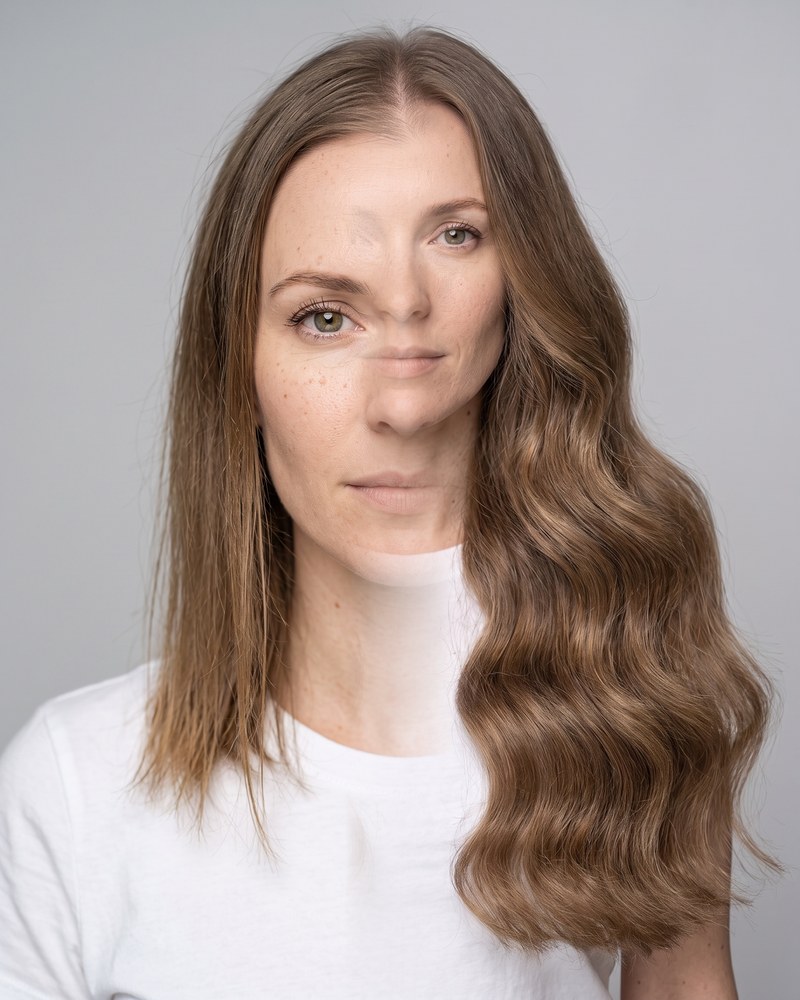
If your work looks best next to what came before it, Beauty Blend was built with you in mind.
A clean split image reads instantly in a feed. Export at the right size and post it without editing it twice.
Keep a tidy record of your work in collections, so a consultation is one search away from the right example.
Send a client the image of their own transformation. It is the easiest referral you will ever ask for.
No trial countdown, no credits, no monthly plan to keep track of.
$0 to download
The core app, with no account required.
$9.99 per year
Everything in Free, plus the extras below.
Billed yearly through your Apple ID. Cancel any time in your Apple ID settings.
Yes. Beauty Blend does its work on your iPhone, so you can build and export comparisons with no signal at all. An internet connection is only needed to start or manage a Pro subscription, which Apple handles.
Completely. Your photos and projects stay on your device. There is no account, no login and no upload of your images to us or anyone else.
Free exports are saved at 1080 by 1350 pixels, the portrait size the Instagram feed is built around. Pro exports the same frame at 2160 by 2700. The file works anywhere else you want to post it.
Open the Settings app on your iPhone, tap your name, then Subscriptions, and choose Beauty Blend. Cancelling stops the next renewal, and Pro stays active until the end of the period you have already paid for.
Because everything lives on your device, deleting Beauty Blend removes your projects with it. Use the backup feature first if you want to keep them, then restore the backup after reinstalling.
No. Creating, editing and exporting comparisons are all free. Pro adds batch export for people who process a lot of projects at once.